Amp Installation - Wiring

Currently reading:
Amp Installation - Wiring

Joined
Apr 17, 2010
Messages
1,456
Points
257
Location
Newcastle Upon Tyne
Hi all,

After owning all my ICE for over 6 months I finally got the head unit in and working yesterday, so I decided today was time to fit the amp/sub.

I read plenty of guides online to prepare myself for it, but one thing they couldn't prepare me for was how to actually connect the wiring itself to the relevant parts. For example for the power wire (correct me if I'm wrong)
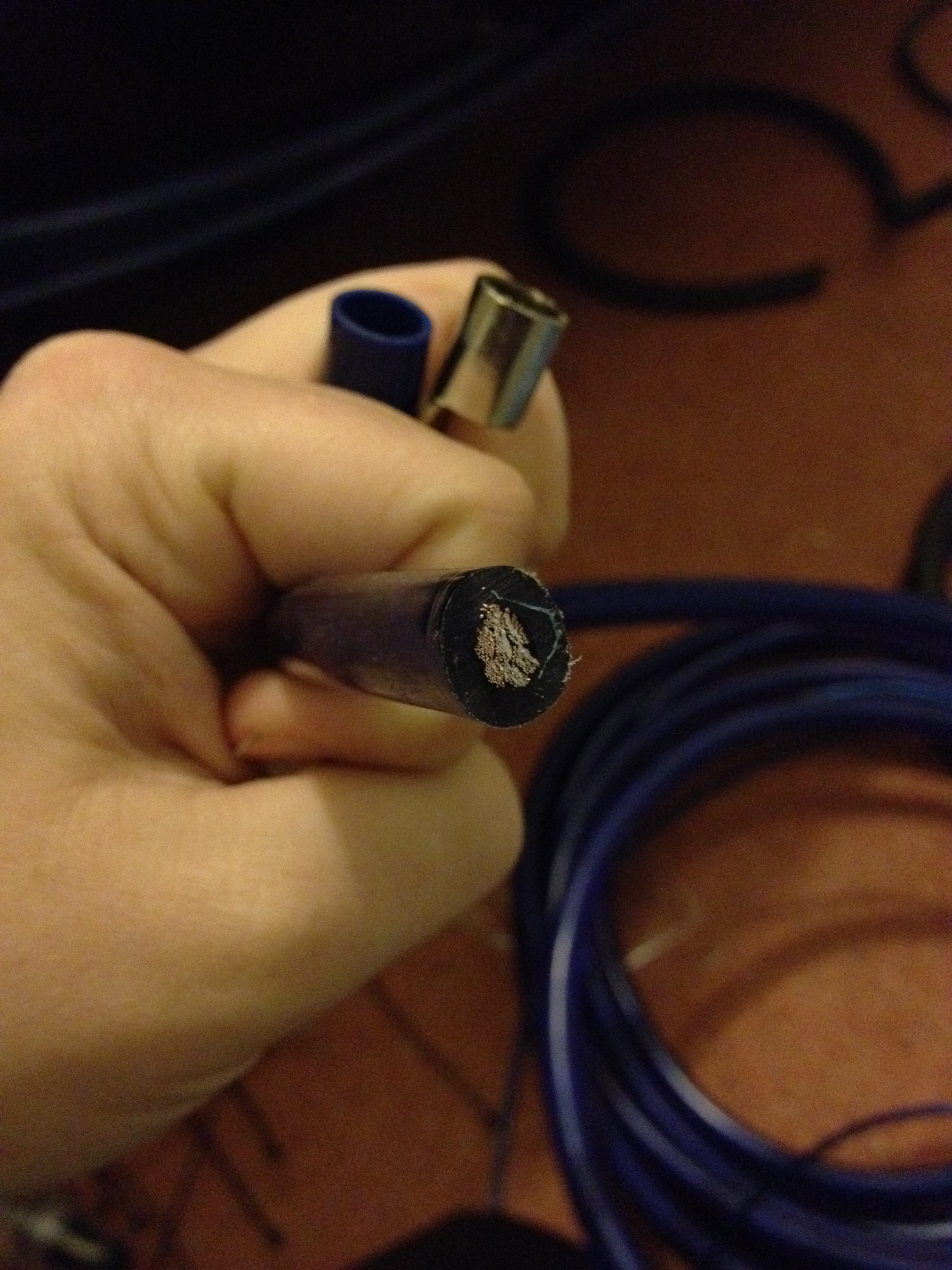
Power_Cable.JPG


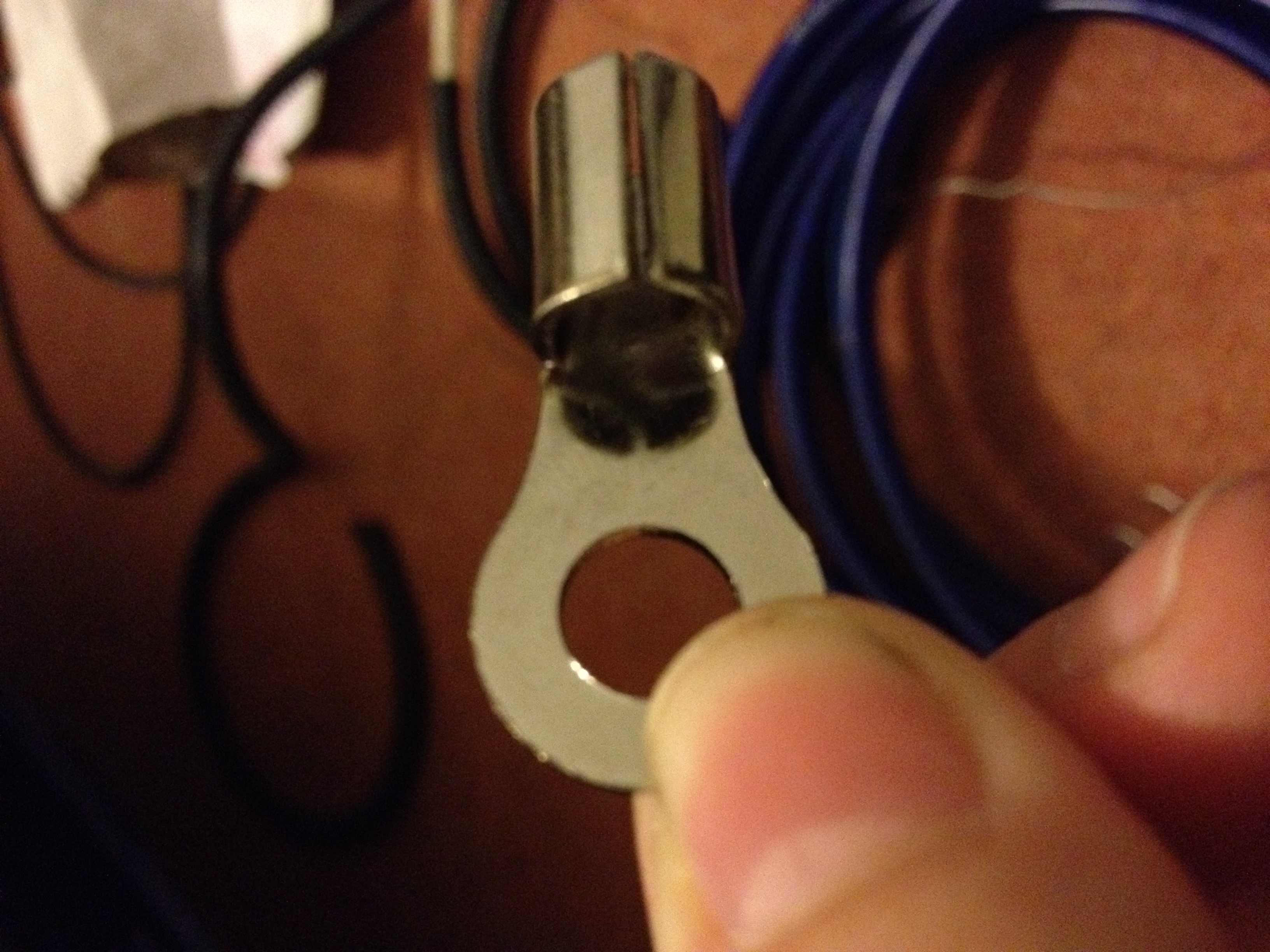
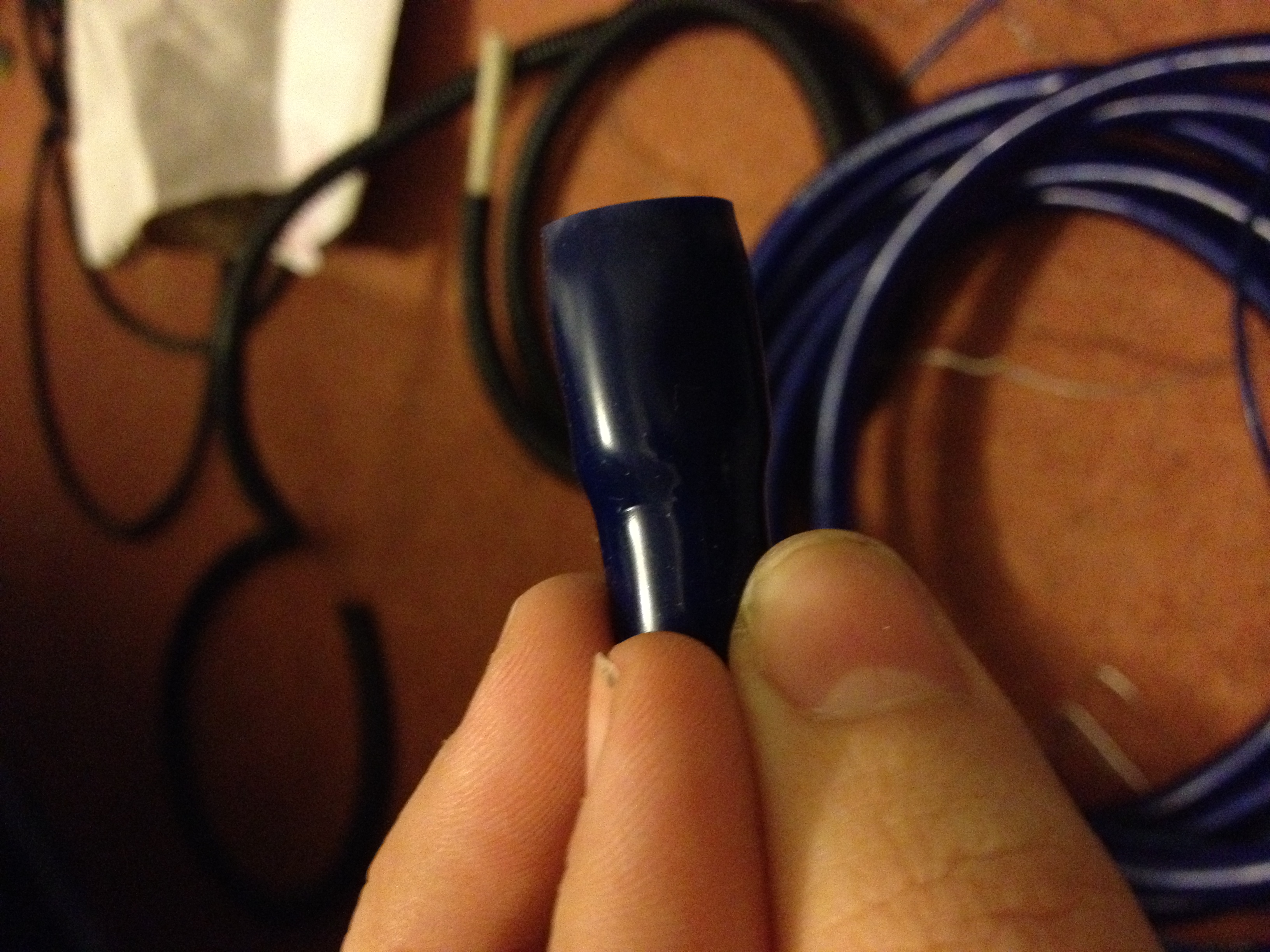
How does it connect to the battery? I've got things like this in the wiring kit, but unsure how they attach together.
Blue_Thing.JPG

Connector1.JPG


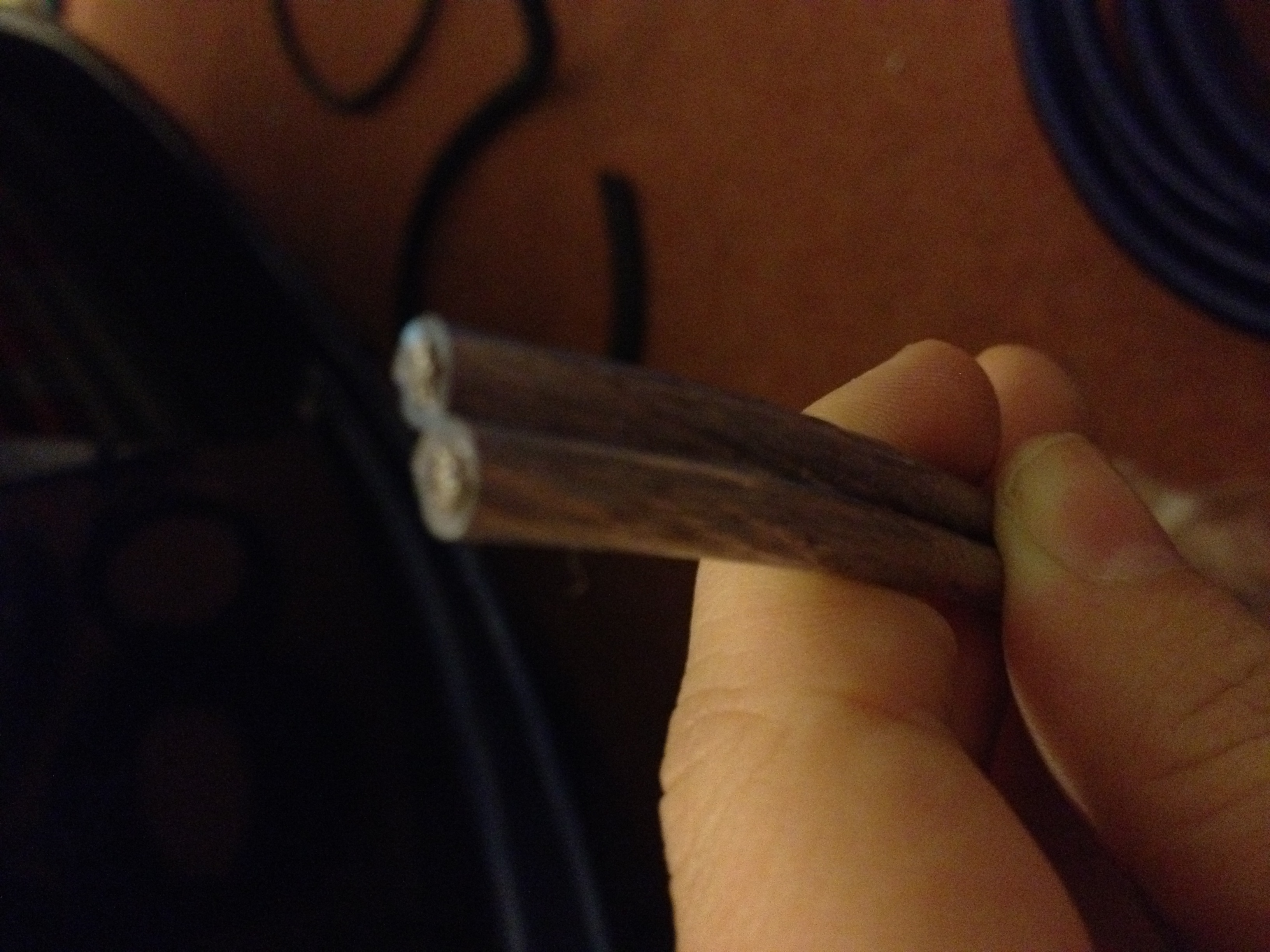
Another example, the inside of the fuse looks like this, so I'm unsure how to connect the power cable:
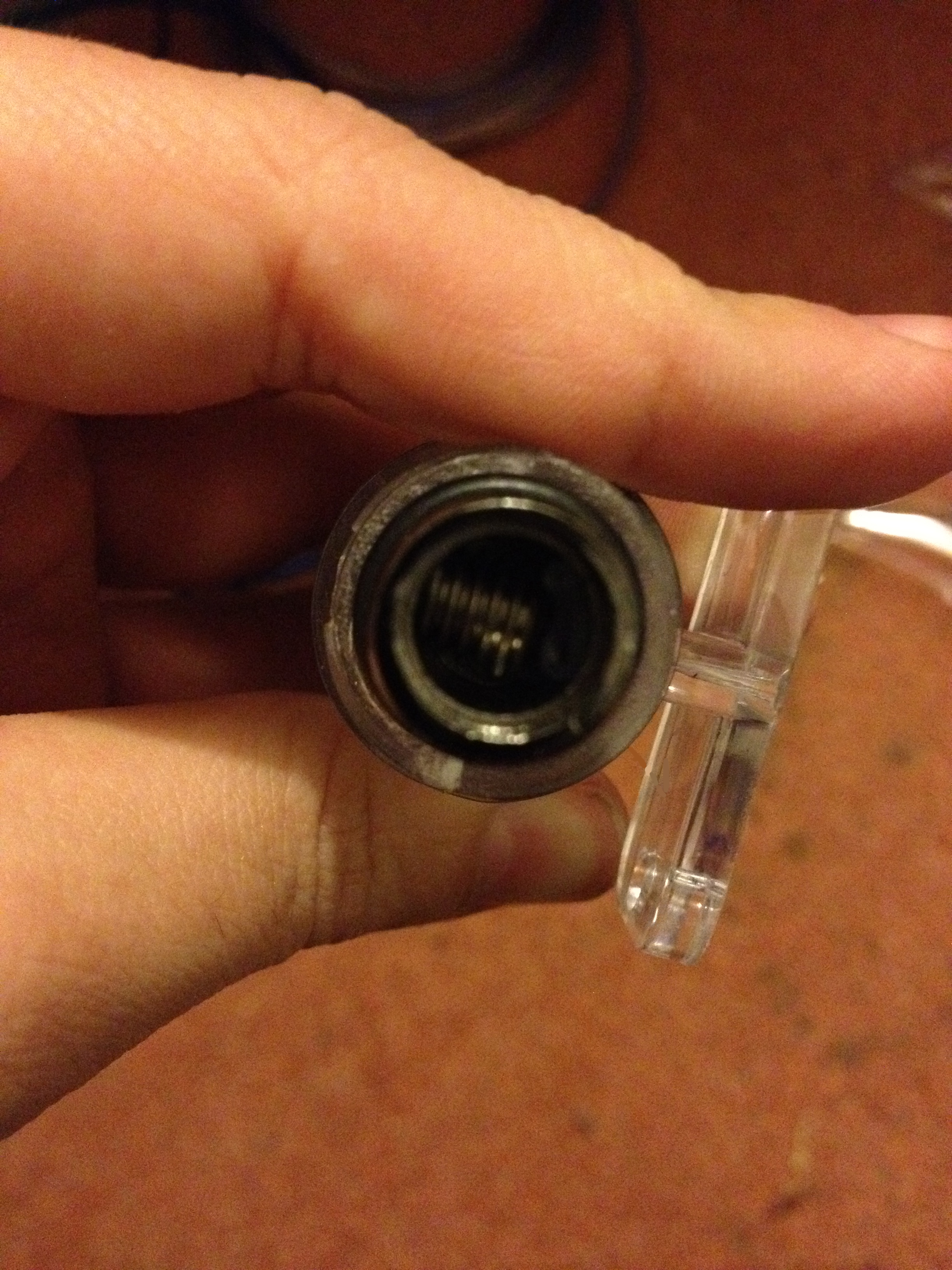
Inside_Fuse.JPG


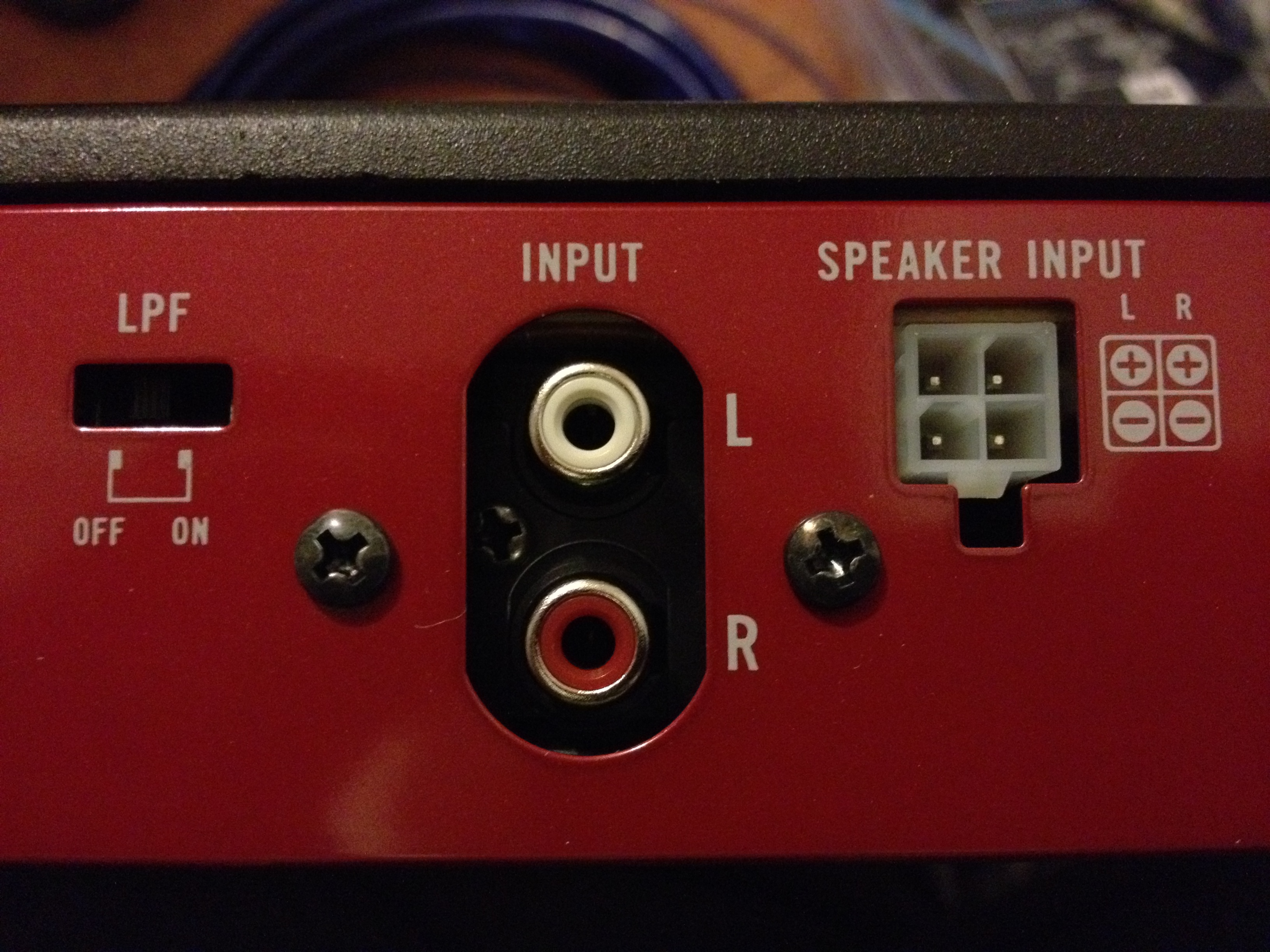
Here are some pictures of the amp I will be wiring to:
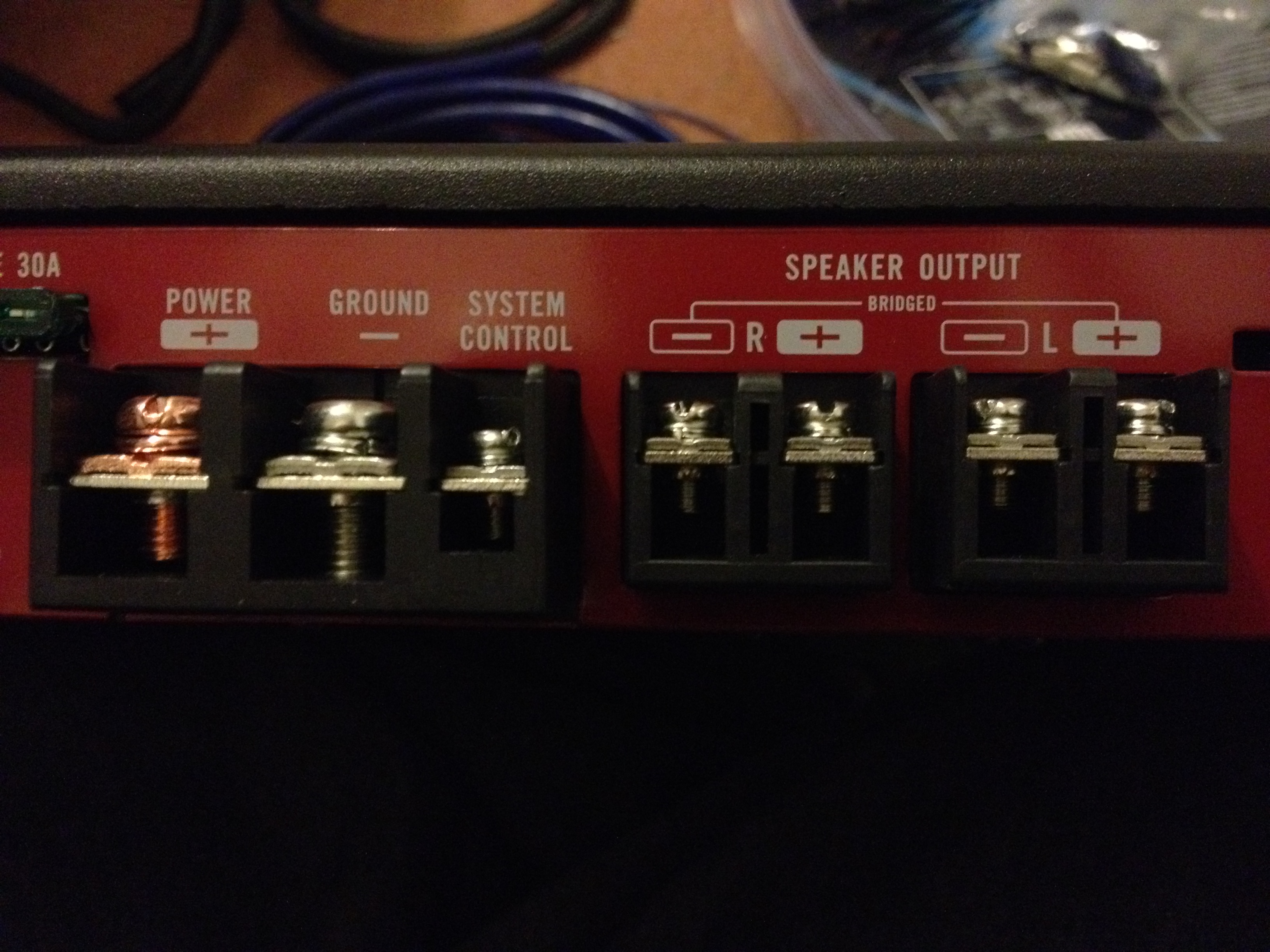
IMG_5878.JPG

IMG_5880.JPG


Also, before I start, I want to be sure I'm not getting my cables mixed up, so please tell me if I'm right or wrong. Here's the contents list for the wiring kit:
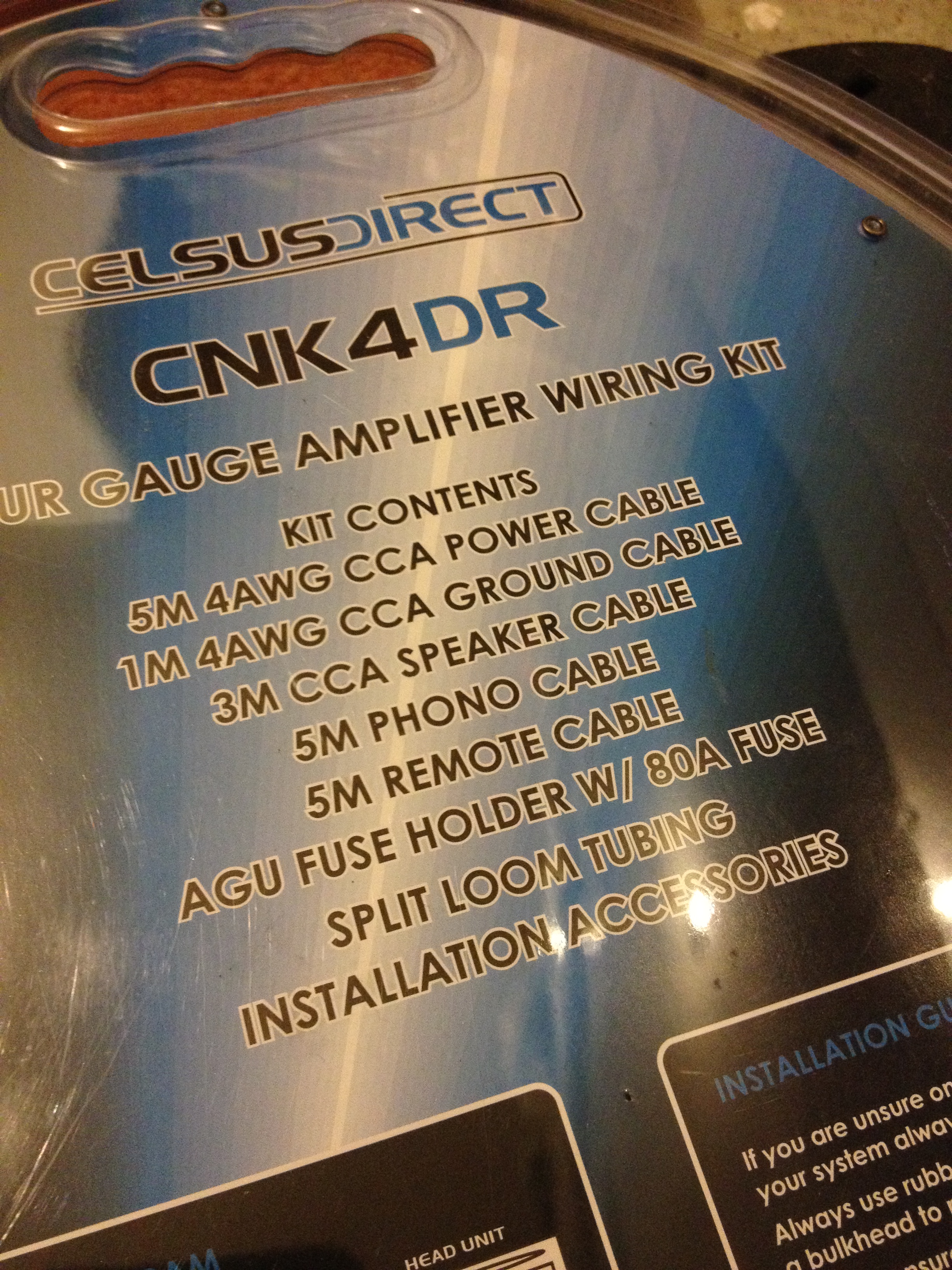
Contents.JPG


And here are what I think each thing is:
Power Cable:
Power_Cable.JPG


Ground/Earth Cable:
Earth_Cable.JPG


Speaker Cable:
Speaker_Cable.JPG


Phono Cable (plugs into back of head unit?):
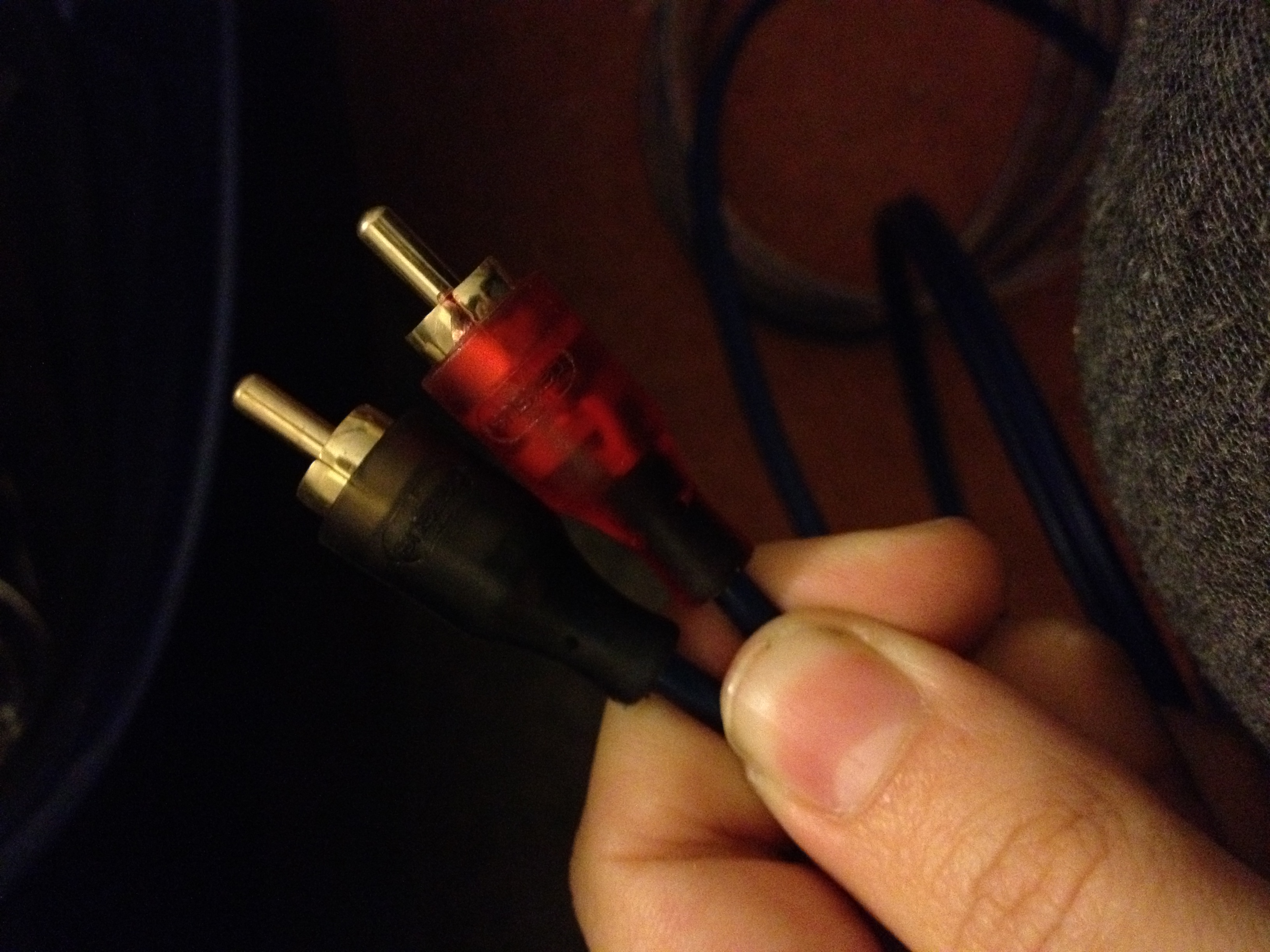
RCA_Cable.JPG


Remote Cable (wire from head unit to amp telling it when to turn on and off?):
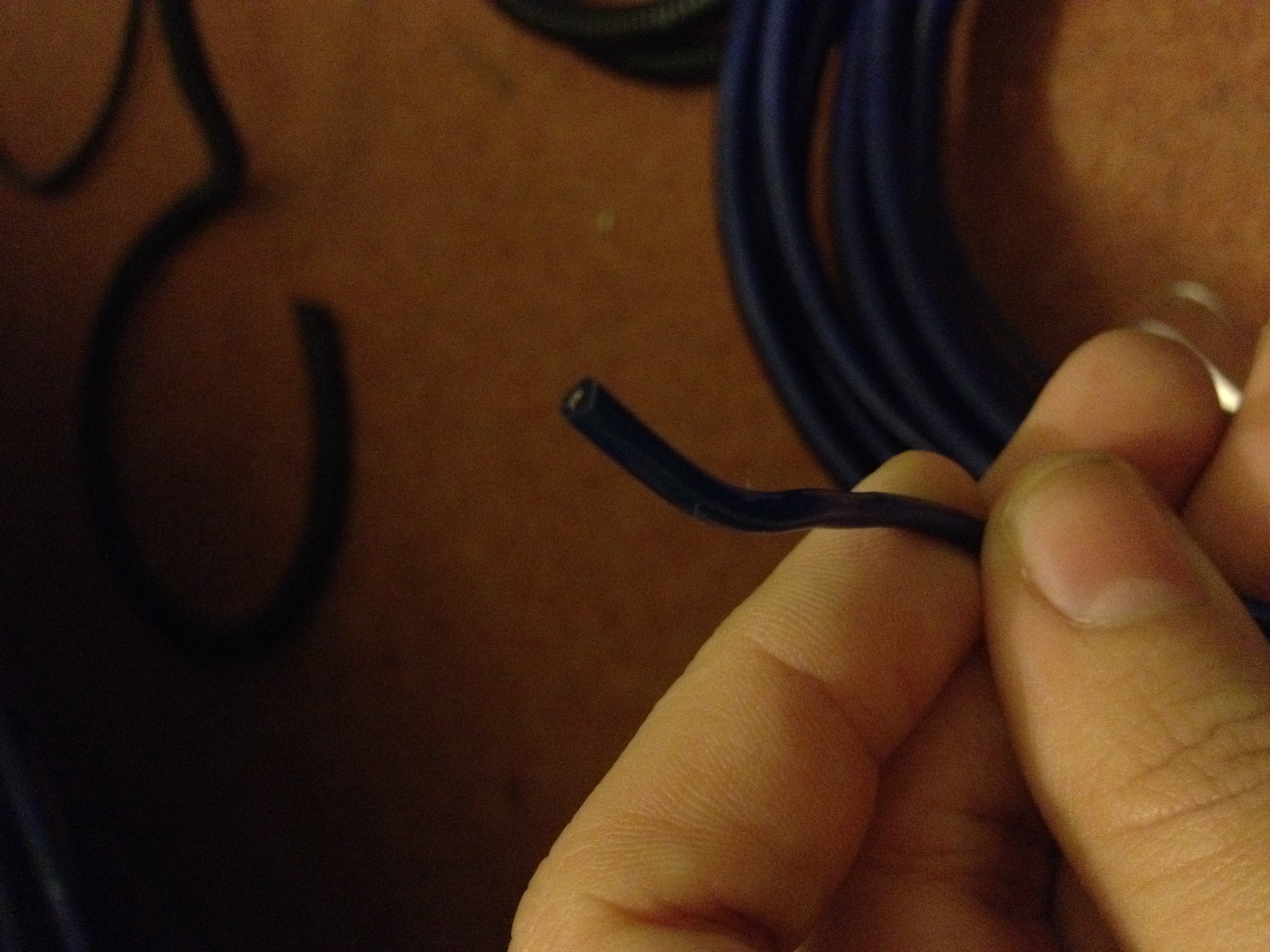
Amp_Remote.JPG


I greatly appreciate your help, this is my first time doing this and despite the fact that I have no problem paying someone to do it for me, I want to learn so that's why I'm doing it myself.
 
Last edited:
You need a ring terminal to attach the power wire to the battery, most wiring kits come with at least 2 (1 for the battery, 1 for the ground). If you haven't got any, pop into Halfords or your local motor factors and grab some. I'd also recommend getting some fork connectors for the remote and speaker wires to go into the amp, makes it a bit tidier.
 
You need a ring terminal to attach the power wire to the battery, most wiring kits come with at least 2 (1 for the battery, 1 for the ground). If you haven't got any, pop into Halfords or your local motor factors and grab some. I'd also recommend getting some fork connectors for the remote and speaker wires to go into the amp, makes it a bit tidier.

Yes I've got a couple in the wiring kit, 3rd picture down is a ring terminal (sorry if you commented before the pics uploaded!), however it doesn't have a crimp or anything on the end of it so I'm unsure how to connect the power cable itself to the ring terminal
 
Lol, that's exact same wiring kit that we used in sh4dow's Grande :D Got some mole grips? Strip of a little of the insulation on the power cable (blue), push the rubbery sheath onto the cable and then use the mole grips to crimp the ring onto the end of the cable, or use some solder to fuse them together (or both), then push the rubbery sheath up and over to cover the join. Same for the other wires pretty much.
Edit: Don't forget to mount the fuse holder as near to the battery as you can get it, I think I cut about 6" of the power cable and inserted the fuse holder in the gap.
 
Thanks! The rubber bit isn't a crimp though, it's just flexible with no metal inside :confused:

For the fuse do I just strip the power cable, insert it in and tighten the screw to contact with it?

And forgive me for being a noob but have I definitely got all my cables the right way round? :)
 
No, it's not a crimp, it's just to make it look visually nicer, hence why you need to strip some of the power cable back to contact the 'tube' end of the ring terminal, then you squash it with your mole grips or pliers and apply a little solder to kep it held together, slip the rubber over the top to make it look neat and tidy.
For the fuse - exactly as you said, the whole thing will only go together one way though so if you have issue, rotate rather than force ;)

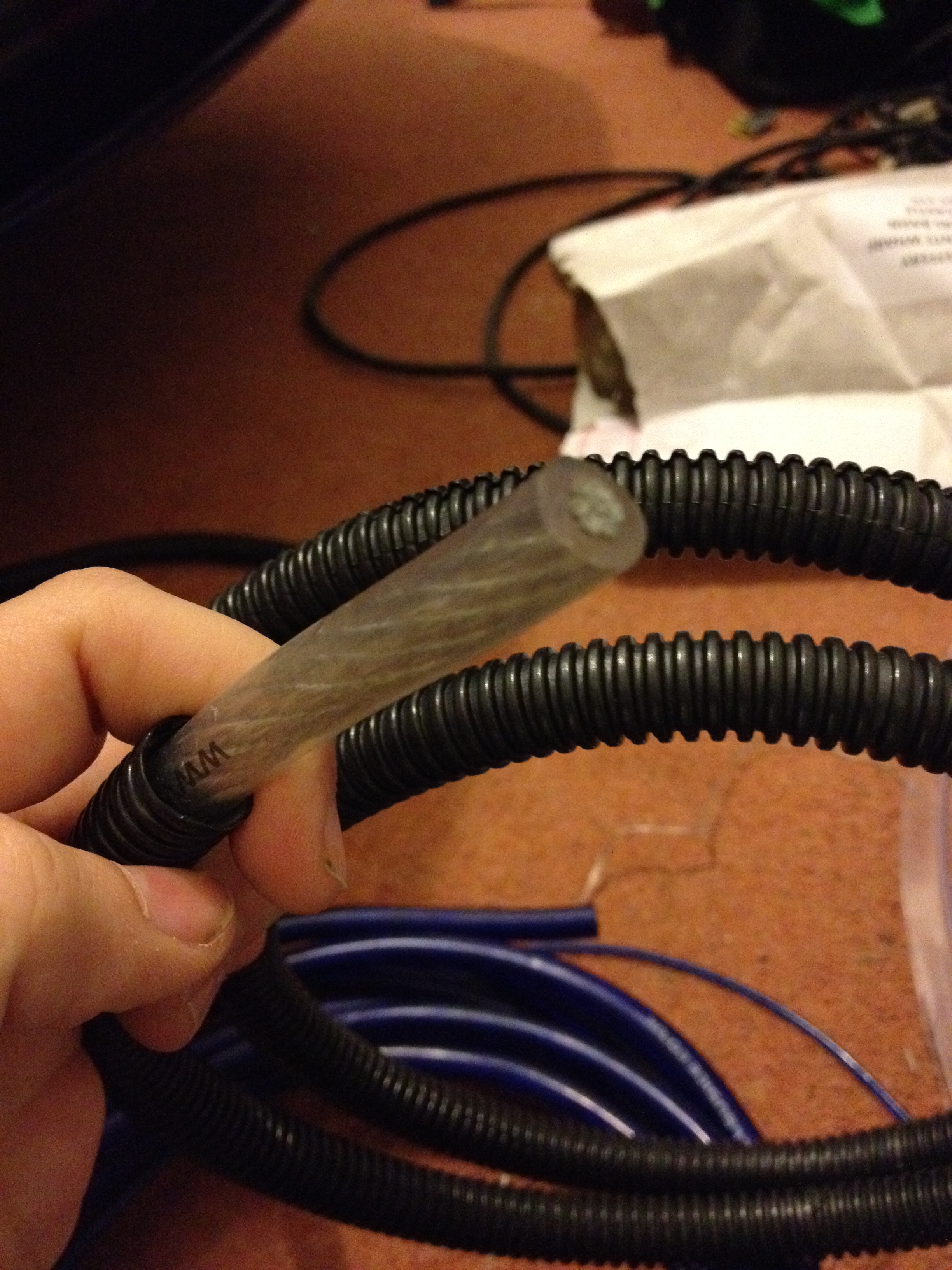
And yes, you've got all your cables right :) The black plastic stuff on the earth cable is just to keep your wires tidy, I didn't use it as everything went under a false floor and through the plastic kick plates.
 
Yeah I've realised that now, the metal bit will squash down since it's got a gap in it. Thanks again.

Yeah I'm probably not going to use the cable tidy tube, I plan on running the wires along the middle section where the pollen filter is, and then behind the seats and under my false floor :)
 
Yep, exactly that. I can take pictures of sh4dow's car but the plastic sill trim just has a couple of screws holding it in place (along with the clips which come out just with a yank) and there are already channels in there for cabling, it's a lot easier than trying to go up the middle of the car anyway.
 
Yeah I meant I didn't know how to get from the glovebox to the drivers side. Passenger side is easy enough, just go from the glovebox to the door sill. How do I get from the glovebox to near the drivers footwell though? Not sure how open it is behind the dash.
 
I think you're confusing yourself - you don't need to get from behind to glovebox to the driver's footwell, running the power cable down the passenger side negates the need to do that, only thing you need to do in the drivers side is feed the RCA and remote cables from the back of the headunit to the drivers' footwell (unless that was was what you meant?), there's plenty enough space but it helps to have an extra pair of hands to drop the cables down the gap while you try to feel for them and grab them from underneath.

Pro-tip: Lying on your back with your head in the footwell is the best way but damn it hurts!
 
Well 4 hours later.. and it doesn't work :bang:

Apparently this amp has a solid blue light on when it's on, and I've never seen that on mine, so I guess it's not turning on at all.

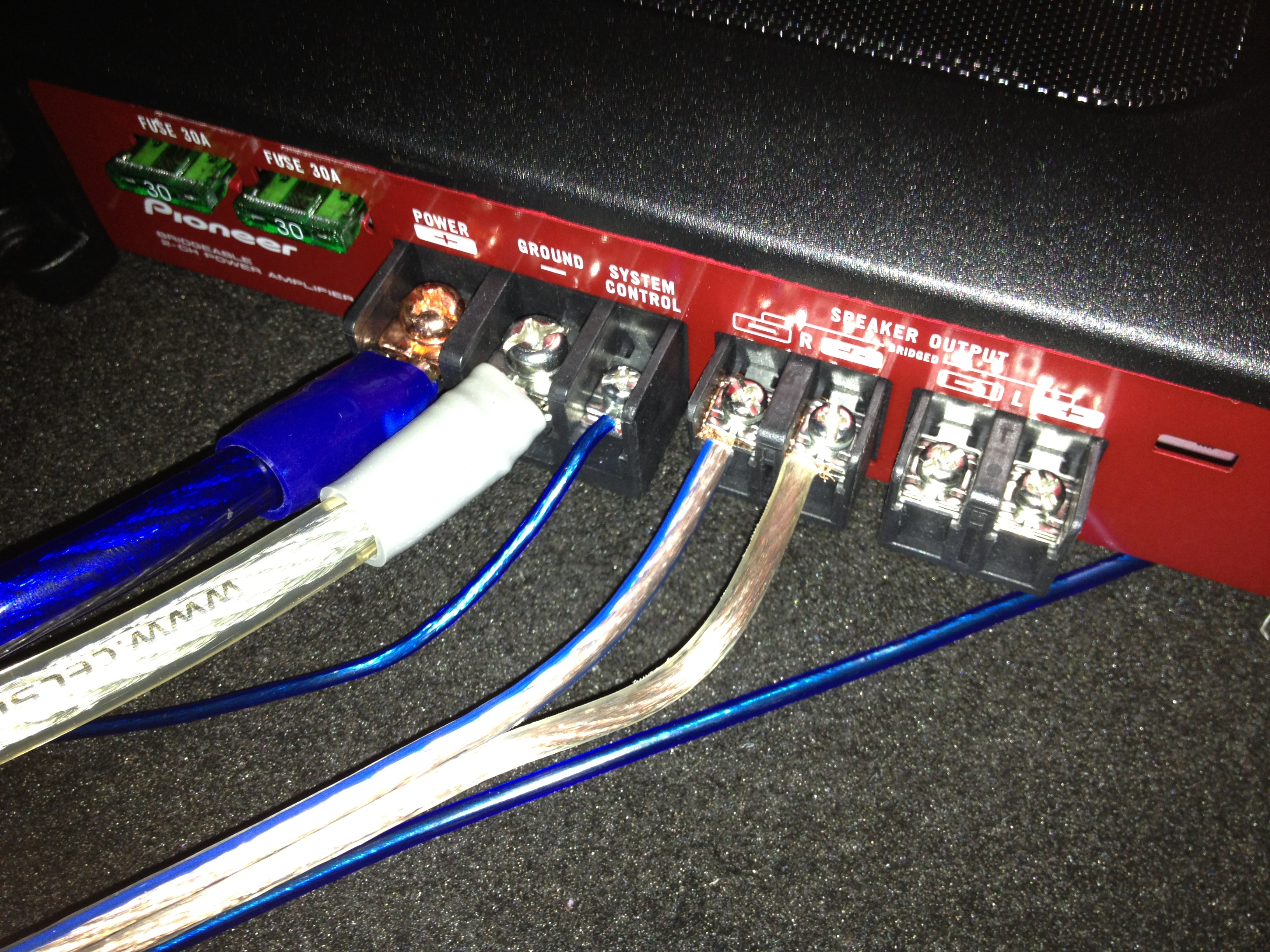
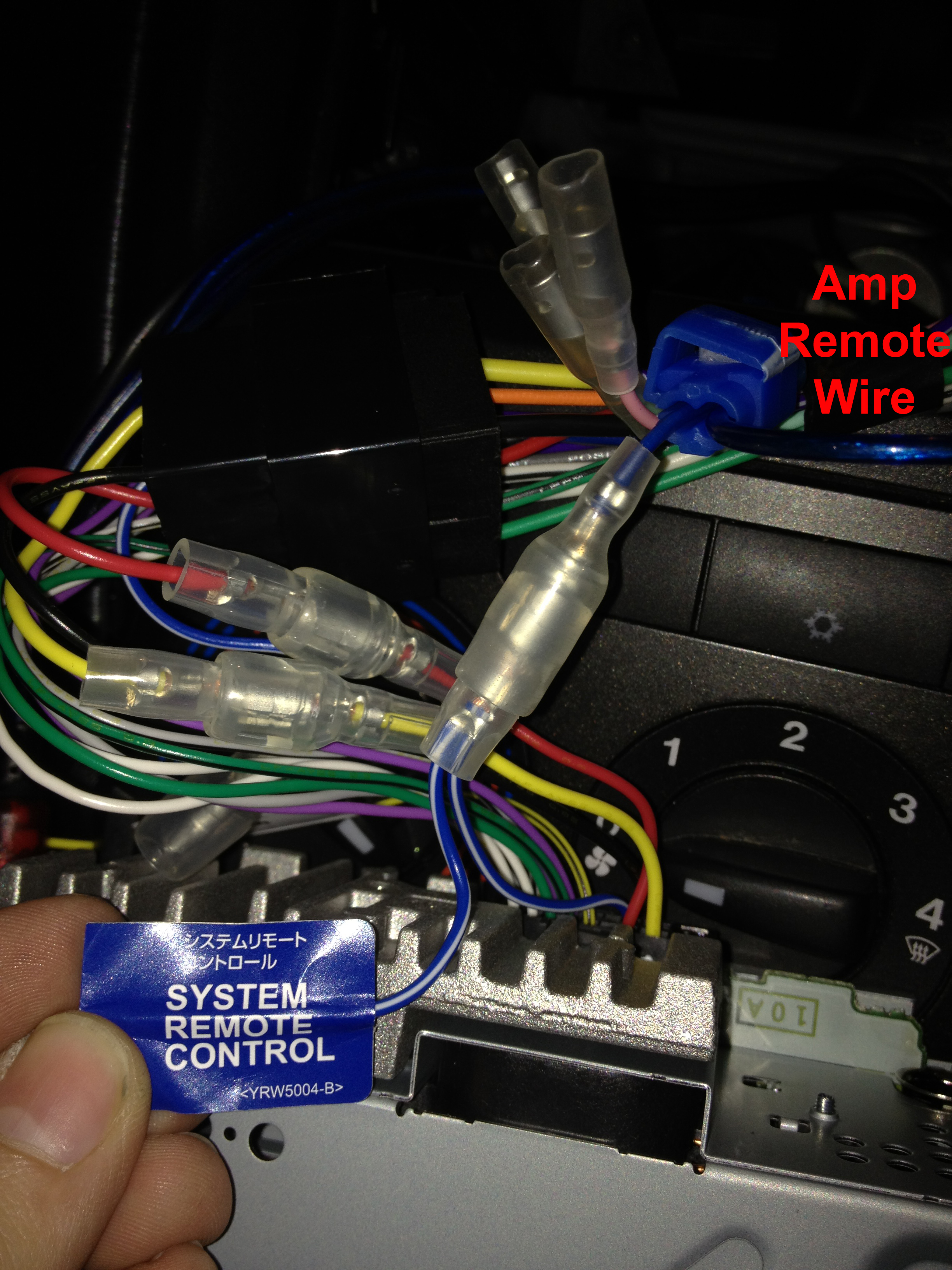
Here are some pictures of my wiring:
IMG_5887.JPG

IMG_5888.JPG


For the remote wire I scotch locked it to the blue/white wire coming out of the back of the head unit.
IMG_5889.JPG


If anyone has any ideas I'd be grateful, for now I'll just keep messing with it I guess
 
Yes there is a fuse in the fuse holder:
IMG_5891.JPG


Here's my connection of the power cable to the battery, it's disconneted now but I had it attached with the nut I've circled. I've also tried attaching it to the bigger nut with the red cable coming from it just in case.
IMG_5890.JPG
 
Multimeter seems to be the next step then as everything looks good to me - check the voltage at the end of the main power cable and also at the end of the remote cable when the headunit is on. If both read ~12v then either you're amp is goosed or you need a better earth point, where do you have it earthed? Pics?
 
Back
Top